Why Vercru
The industry isn’t slowing down. Workforce management has to keep up.
AI is driving a build-out of data centres and the infrastructure around them that shows no sign of slowing, and the crews who build them are always on the move. Yet most sites still run on two digital systems that someone cross-checks by hand every week, some still write the week up from memory, and travel goes out by text and email. Vercru brings it into one record, made on site as the day happens, and evolves as fast as the industry does.
Time-tracking apps stop at the timesheet. Mobilisation tools stop at the airport. Vercru runs both, on one record.
Clock-in
Beacon, location or kiosk
A beacon at the gate, a location check on the worker’s phone, or a shared kiosk for crews without a smartphone. Each job uses what suits the site.
Mobilisations
Travel nobody misses
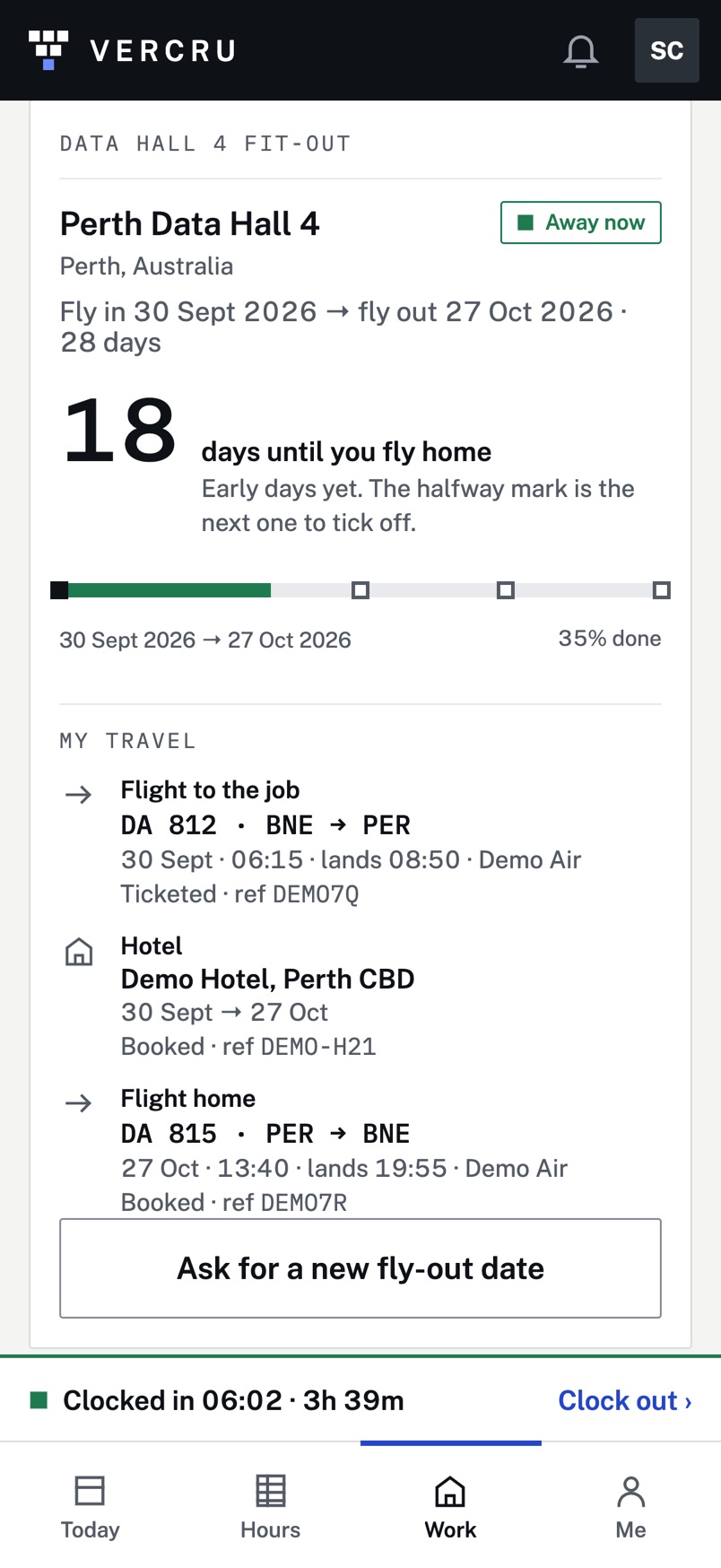
No more trips sent by text and email. Stints, flights and hotels go straight to each worker’s phone and onto the job’s live timeline, at home or abroad. Drop in the itinerary and Clark reads it in for you to confirm.
Timesheets
The worker submits. You approve.
Each week starts from the clock. A change to a day is a request shown beside what the clock recorded, and the clock record itself is never overwritten.
Invoices
Checked against approved hours
Every subcontractor and labour-supplier invoice in one list, matched to the hours you already approved: Ready, or a Query with the difference shown.
Suppliers & temps
No second sign-in sheet
Temps scan the job’s poster at induction. Their hours land under their labour supplier from the first clock-in.
Licences & tickets
Nobody turned away at the gate
Each worker’s cards with their expiry dates. Red, amber or green per person and per crew, with a warning before anything runs out.
How a week runs
Recorded once, on site. Approved once, in the office.
- 1Clock in on siteBy beacon, location or kiosk, on the job’s own day and shift.
- 2The worker submitsThey check the week and press submit. Any change is a request.
- 3You approveThe week locks. Reopening it needs a reason and makes a new version.
- 4Hours go outApproved hours by shift for payroll, and the check on every invoice.
Works with your payroll. Approved hours export as CSV, and arrive as a spreadsheet by email every Monday, ready for whatever payroll system you use.
For the crew
Free for the people who use it.


Demo data.
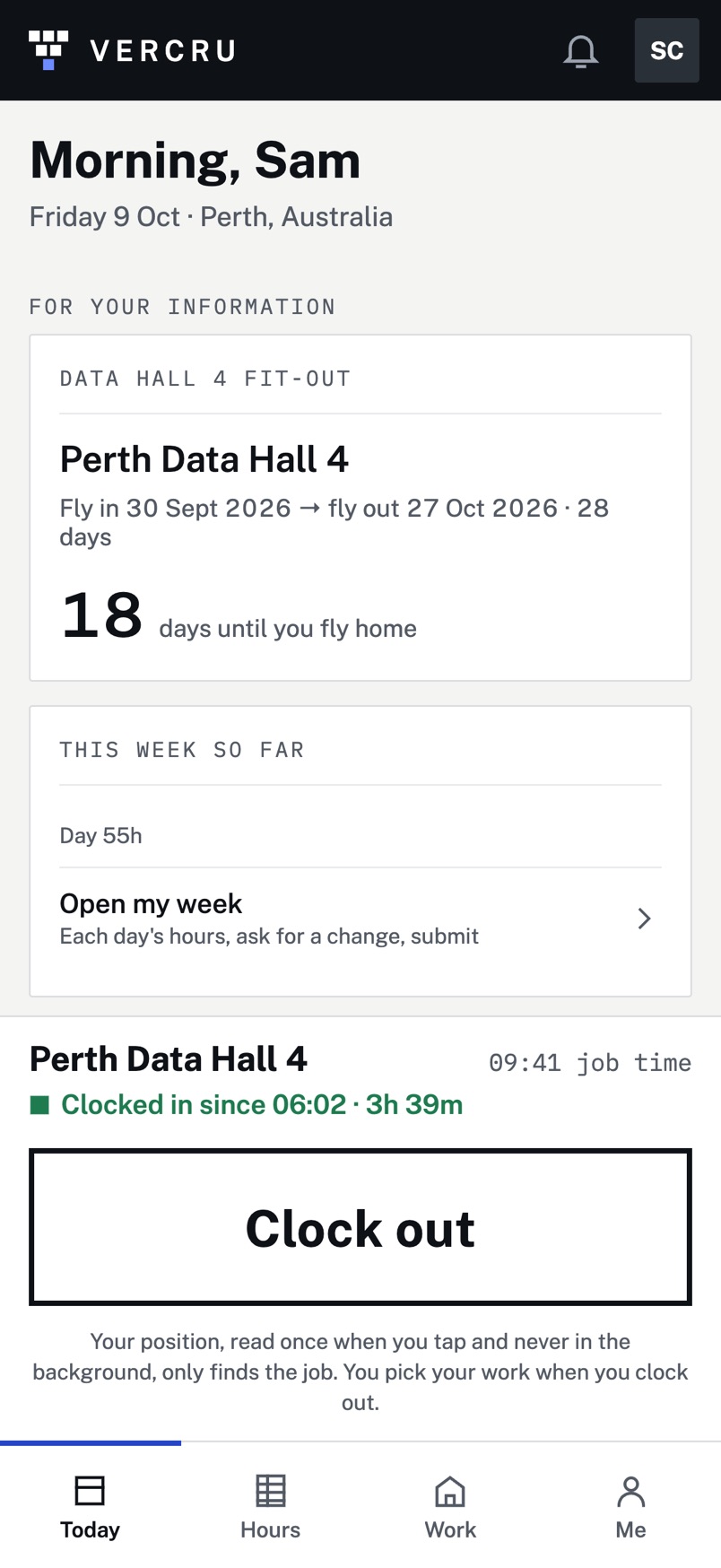
Workers get the Vercru app for iPhone: their hours as recorded, their week to submit, their trip and their tickets in one place. Crews without a smartphone clock in at the kiosk.
- Built for any site or travelling workforce: construction, data centres, energy, telecoms and industrial.
- Location is read only when they tap Clock in or Clock out. Nobody is followed all day.
- Domestic crews and international rotations on the same timeline.
- Supervisors and admins work from the web portal.
Pricing
Priced per worker, per active day.
You only pay when Vercru is working: the days people clock in or travel for you, capped each month per worker. A quiet week costs nothing.